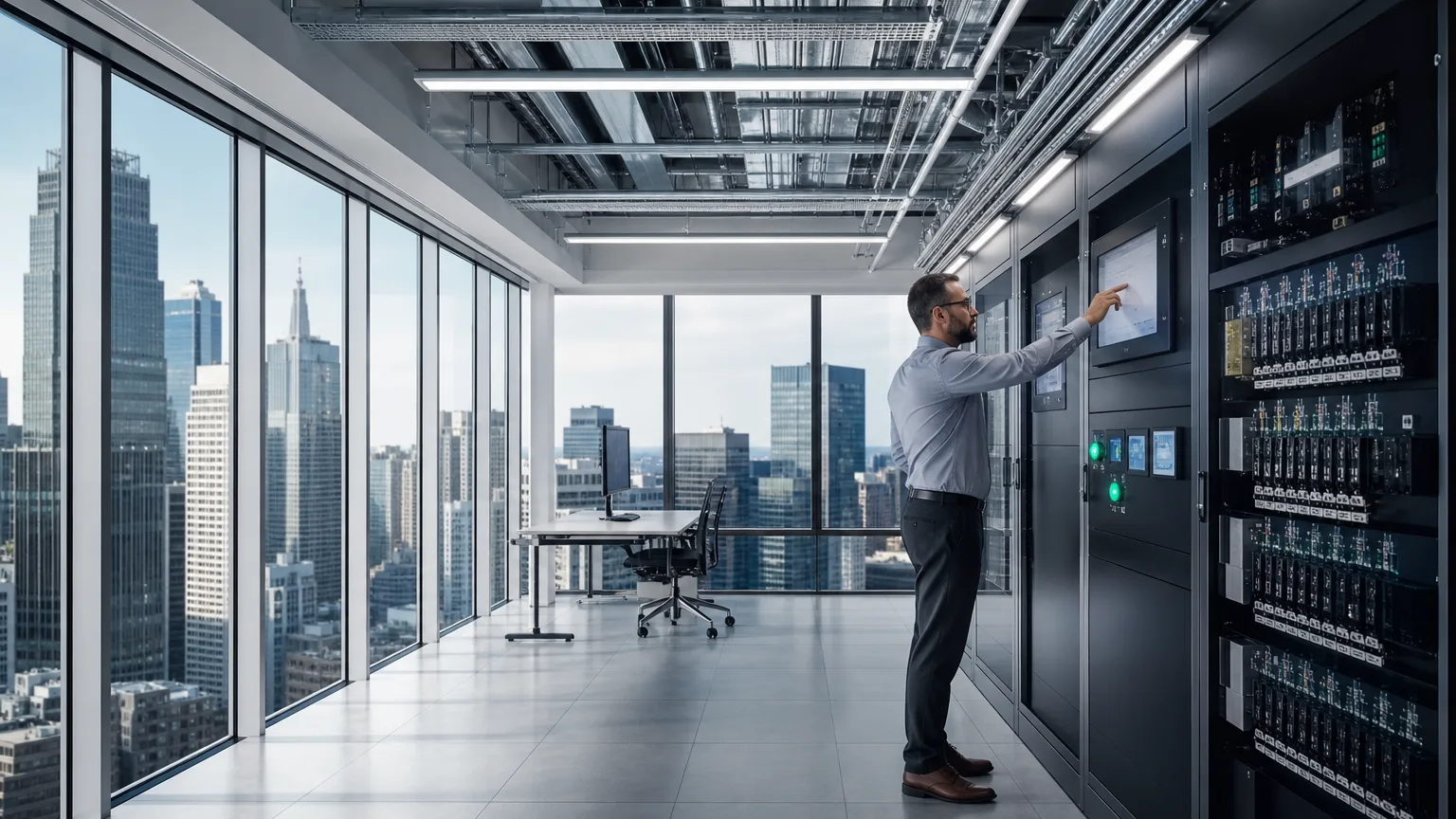
Smart commercial building technology floor with building systems cabinets and organized conduits

Room control for shared spaces

Control4 for clubhouses, boardrooms, and shared spaces

A board meeting should be able to start without someone hunting for three remotes. Control4 can bring compatible displays, speakers, lighting, and motorized shades onto one room control. Staff can choose a scene for the meeting and return the room to its usual settings afterward.

Bring room photos, equipment model numbers if available, and one example of a task staff struggles with.

Room control for shared spaces

Property review

Start with the rooms you already have.

Watchtower reviews the rooms staff already use, including equipment models, wiring, network connections, and the controls on the wall. This page does not describe a Control4 dealer authorization or certification.

Visit the official Control4 website →

Design examples

Examples for rooms staff already manage.

These are design examples. Control4’s commercial materials describe one-touch room setups, presentation lighting, and music by audio zone. A display, speaker, light, or shade joins that control only when the equipment is compatible and connected.

HOA clubhouse

During the day, staff can leave background music on in the clubhouse. Before an evening association meeting, they can choose a presentation scene that moves the room from background audio to the display. After the meeting, the same control can return the room to its usual settings.

Commercial boardroom

A “Presentation” scene can select the display input, lower the lights near the screen, and lower compatible motorized shades. Staff can still change the source, those lights, or the volume when the scene needs a small adjustment. Control4’s business materials describe this kind of one-touch presentation setup: dim the lights and power the display system from one interface.

Shared amenity spaces

Separate audio zones let staff lower the lounge volume while a meeting continues next door. Control4’s commercial materials describe controlling music by audio zone. The rooms have to be zoned in the audio equipment. One shared system serving both rooms cannot do it until they are separated.

Existing equipment

What can we keep?

Watchtower can review existing equipment models, wiring, network connections, and room controls to determine what can be reused and what needs an upgrade. Control4 describes both new installations and retrofits, and its business materials say the system works with many Control4 and third-party products. The scenes above are design examples. They are not a promise that the equipment already installed will come along.

  • Model numbers for displays, audio equipment, lighting controls, and shade motors
  • How those devices are wired today
  • The network connection the room control would use
  • Remotes, keypads, and apps staff already rely on

Request a property assessment.

Bring room photos, equipment model numbers if available, and one example of a task staff struggles with.